


Have you really given your Audience their WHY?
With the most powerful tools of persuasion in the Universe?
Stories

Evidence Based
The most convincing stories are backed by research and reason: facts, evidence, and the solid arguments interpreting their meaning and import in favor of your desired conclusion or outcome.

Emotionally Resonant
Mere narratives - this happened, and then that - will not and cannot evoke an emotional response in your audience. Only the three-act structure of story can make your audience feel, and only feeling can make them act.

Character Grounded
The most powerful and memorable stories feature relatable protagonists who overcome challenges and obstacles to achieve meaningful results.

Meaning Rich
Well-constructed stories begin with meaningful challenges that, when overcome, offer the audience a new way of thinking about what matters, or even a way of living and working with purpose.

You don’t have to wear a squirrel suit at work to get into Flow.
The science is in: you can achieve the peak experience of Flow by exercising your strengths in the course of any work you find personally meaningful.
Learn how we’re reinventing talent - from the bottom up:


High Performance Story
30 Minutes
Schedule atime for a phone call to discuss your pitch -- and how we can help you improve both your pitch and its underlying business model and strategy to optimize your funding chances.
Get your Advance Copy of High Performance Story:
Learn how to unearth and articulate YOUR best story!
High Performance Startup Consultation
HR and Hiring Managers:
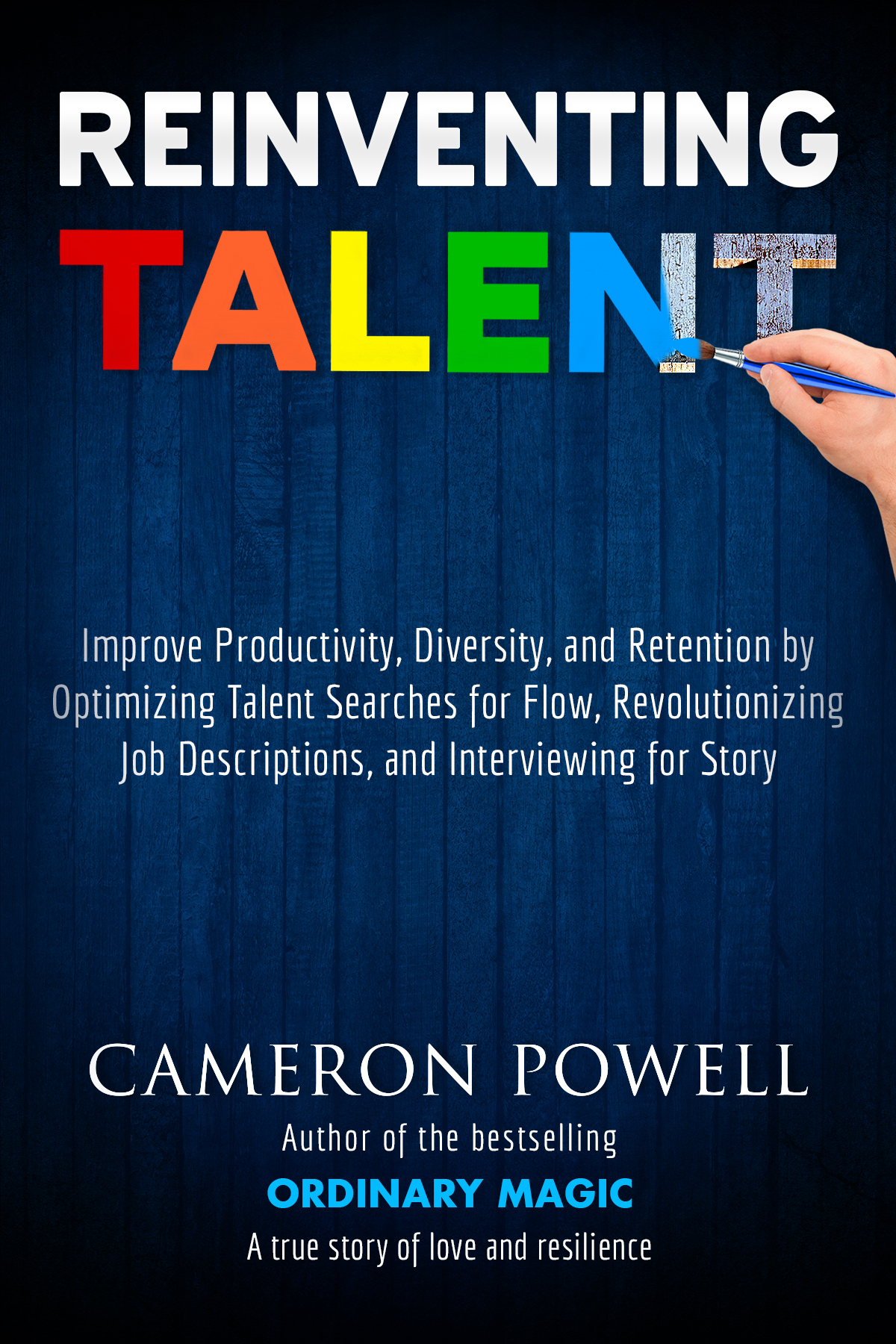
Get a competitive edge with advance chapters of Reinventing Talent
Reinventing Talent
We will never spam you!
What Our Clients Do That's Different
Hire for Flow over “Prior Experience”!
Our clients have ended the disastrous hiring practice of filtering candidates by counting clumps of keywords. Instead, they're optimizing for candidates’ ability to enter and sustain the Flow state in the role.
Solution: hire for strengths and the candidate’s capacity to sustain meaning in the role. Only these are proven to move the needle.
Market Every Role as an Opportunity!
Your job descriptions are the source of many of your recruiting and retention problems.
Our Role Opportunity Pitch combines marketing savvy and copywriting chops to create differentiating benefits candidates actually care about: purpose and meaning, learning and development, career path and autonomy, mastery, and the quality of the boss.
Interview for Story!
To ascertain strengths and the capacity for meaning that spells Flow, our clients interview for Story: a relatable character presented with challenges who uses transferable strengths to achieve a positive outcome.
It’s the ultimate behavior-based interview. And we teach your interviewers how to understand the elements of Story and draw them out of every candidate.
End the Overmanaging Epidemic!
Managers have the potential to spark the greatest performance improvements, but companies too often hire managers based on tenure or experience in the work of the managed.
Managers can be the single biggest drag on productivity and retention. Learn to hire and train managers who can get the best work done with the least management.
See HPS Founder Cameron Powell's explosive speech, on these best practices and more, at the Silicon Valley DisruptHR conference!
StartUp Stories
- Craft your Ur-Story - your foundational story from which you can carve off your tributary stories for investors, journalists, customers
- Develop the founder origin story that's catnip to investors and journalists
- Own the room with your own Hero's Journey investor pitch
- Storify your marketing to customers
- Attract cash, top employees, and free media
- Brand yourself as a credible thought-leader
- Improve every aspect of your business strategy and how you communicate it


Employer Brand Stories
Get the most powerful story-based employer brand
- Why your HR function needs a shotgun wedding with marketing
- Increase productivity, profits per employee, and retention with greater self-management
- Cut employee acquisition costs by at least 25%
- Enhance psychological safety, the #1 predictor of high-performance teams
- Slash your cost of acquiring customers too!
Policy and Communications
Our hyper-creative team of technologists, entrepreneurs, and public policy experts helps clients navigate complex policy landscapes to translate the intersection of law, policy, and market research into lean/agile product development of complex technology.
- Develop, establish, and manage clients’ federal government affairs strategies to drive business priorities.
- Strategize and create external strategic communications for diverse audiences: members of Congress and staff, C-suite executives, regulators, media.
- Maximum persuasion: rapid responses to draft legislation (with revised language), speeches, briefings, and talking points, media responses, action alerts, white papers, op-eds, blog posts, policy proposals, comments on regulations.
- Coach executives in the power of story to deliver speeches and talking points with mastery.
- PR training and crisis management
- Strategic relationships with stakeholders - agencies, trade associations, coalitions, competitors, congressional staff - to achieve common legislative goals.

From the High Performance Team featured in...

"I argue for the primacy of talent and broad experience, for the well-rounded and the well-read, for the liberal arts and for the Jacks and Jills of many trades (and master of several) who are the innovators and wisdom-holders among us. I hold that the Flow state is what we should all be optimizing for in our career searches and our hiring alike."
-- Cameron Powell, Founder









Our founder's latest journey to find and make meaning through story . . .

Read it now on Kindle or hardcover


A terrifying diagnosis. An unbreakable bond. And one unforgettable journey.
Cameron Powell has always struggled with goodbyes. On the day his marriage ends, he finds out his mother's cancer has returned-and this time there may be no escape. Faced with the prospect of more chemo and surgery, his German-born mother, Inge, vows to conquer a 500-mile trek across Spain, and Cameron pushes aside his fears to walk by her side.
Joined by a misfit band of adventurers - a politically incorrect Spaniard, a theatrical Frenchwoman, a teenager who's never been far from home - Cameron and Inge write a fierce and funny travelogue about the rocky heights and hidden valleys of the Camino de Santiago.
As a Camino memoir in the tradition of James Hitt or Bill Bryson, Ordinary Magic delivers. But the hardest stretch comes three years later, when Inge's health declines -- and Cameron, ready or not, must accept the challenge to remain as present to his mother as he can.
Cameron begins to record, in still more chiseled prose, his real-time impressions of life's most difficult voyage. What he created has become one of literature's great love letters -- and a uniquely unflinching insight into how we all truly can create love and meaning in our lives, even amidst the fear and sadness we’ll all face from time to time.
“Powerful, inspiring —and, amazingly, almost impossible to put down.” - Mary Dearborn, Hemingway: A Biography
Propelled by the searing immediacy of Cameron’s own fear and sadness, this deeply-felt memoir opens up new insight into what it means to be a man, and takes us - with wisdom, humor, and an overflowing tenderness - into one of the most challenging journeys true friends can ever take. If you like candid mother-son relationships, humorous tales from the trail, and in-the-moment insights on living a life of resilience and purpose, then you'll love Cameron Powell's luminous, inspirational true story about pilgrimage, presence, and letting go.
Ordinary Magic is the love story, lifelong inspiration, and soulful laugh and cry you need in your life right now. Pick up your ebook today - or get the gorgeous hardcover!
"Studded with gems of spirited observation and wit . . . of the most fond and loving sort, and Inge, Powell’s mother, emerges as an indelible heroine. Powell is a writer to watch." -- Mary Dearborn, Hemingway: A Biography
AUTHOR INTERVIEW
How did the story begin?
Mom and I blogged while on the Camino de Santiago. Readers loved the travel writing, and said our journey was inspiring and hilarious. But when the Camino ended, I stopped blogging. I started again when Mom's health began to decline, because I just had to write. My decision to share my path with others, on the blog, was one of the best I’ve ever made. The love was overwhelming, a light in my darkness.
What surprised you most about readers’ reactions?
People saw the humor in it all. And they kept saying the posts were “beautiful”. I realized people have a real hunger for what really matters.
What makes this memoir different?
As a story of a mother through the eyes of her son, it’s so rare as to be overdue. Readers have really responded to the sheer grit of my mom. And because I have a lifelong fascination with the human mind and heart, I saw a way to make my mom’s psychological resilience something every reader can learn from.